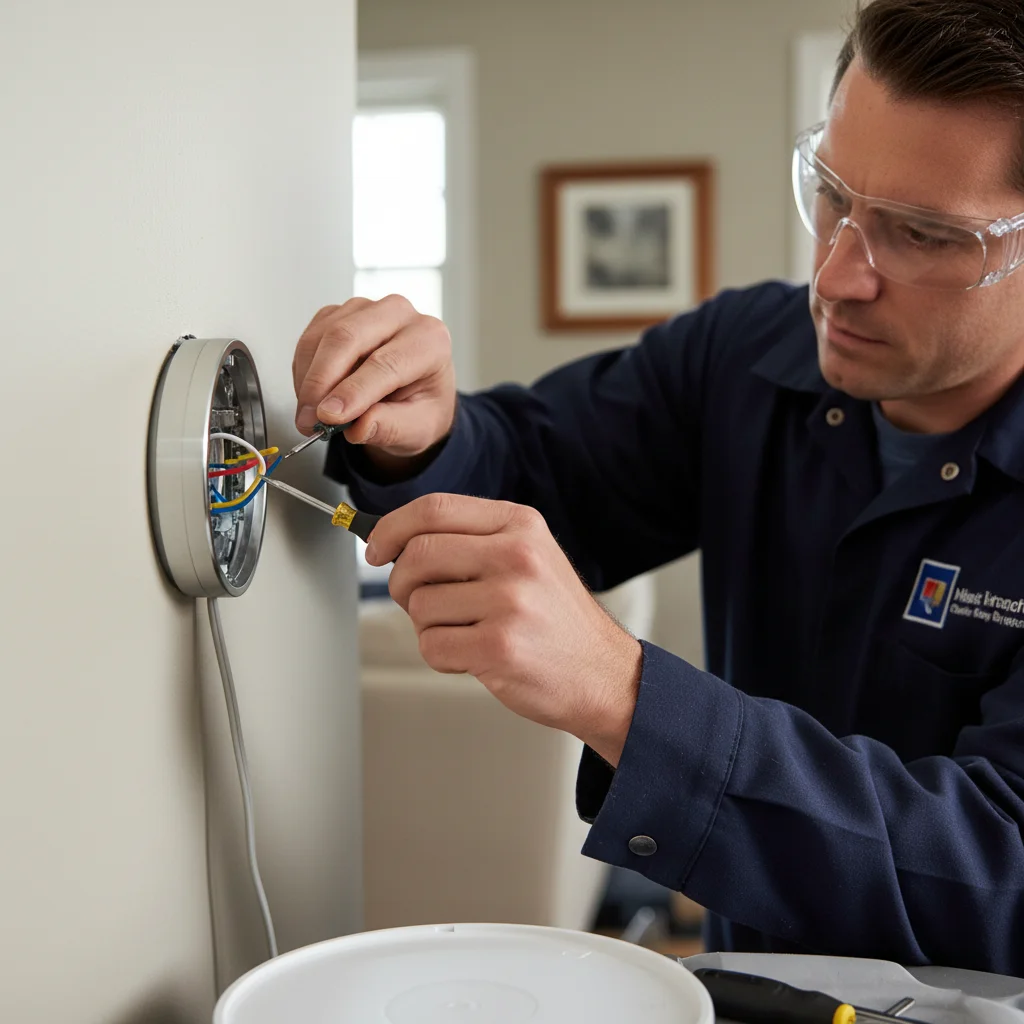
You’ve just unboxed your shiny new Nest or Ecobee smart thermostat, excited to bring modern comfort and energy savings to your San Diego home. But then you hit a frustrating snag during installation: a missing C-wire. This common problem leaves many homeowners scratching their heads, wondering why their advanced device won’t power up or stay connected.
TL;DR
- Read the thermostat and furnace/air-handler documents before any pull-wire or adapter path. A C-wire is whatever those manuals require.
- Check for an unused conductor only after the HVAC power is isolated per those manuals. Do not guess at 24-volt terminals from this page.
- Add-a-wire adapters (Nest Power Connector, Ecobee PEK) are listing-specific. A dedicated C is the cleaner long-term path when the equipment allows it.
- Labor ranges on this page stay parked. Bright Pro Electric hours are Monday through Saturday, 7am to 7pm. After hours, leave a message. There is no 24/7 live desk.
- Homes built before 1980 may have only 2-3 wires total and need a full new 18/5 thermostat cable pulled from the air handler.
- Labor to run a new C-wire in a San Diego home typically ranges from $100-$300 depending on accessibility. Park that band. Get in touch for a match. Bright Pro Electric does not quote or install.
Bright Pro Electric matches San Diego homeowners with licensed electricians for low-voltage thermostat wiring when the written HVAC manuals call for a C-wire. It does not install Nest, Ecobee, or Honeywell hardware, and it does not extend C-wire itself.
What the C-wire actually does
The C-wire, or “common wire,” provides a consistent, low-voltage power supply to your thermostat. Think of it as a dedicated power line. Traditional, non-smart thermostats often don’t need a C-wire because they either run on batteries or “steal” a tiny bit of power from the heating or cooling call. They draw this power through the R (Red, power) and W (White, heat) or Y (Yellow, cool) wires only when the system is actively running. This trickle charge works for simple thermostats that only display temperature and switch relays.
However, smart thermostats are mini-computers on your wall. They feature bright, color displays, Wi-Fi connectivity, motion sensors, and even internal batteries that need constant charging. These features demand a stable, continuous power source that intermittent “power stealing” just can’t provide. Without a C-wire, your smart thermostat might disconnect, drain its battery, or short-cycle the HVAC. That is a listing and equipment issue, not a Bright Pro live desk. Hours are Monday through Saturday, 7am to 7pm. After hours, leave a message.
How to check if you have one behind your thermostat
Before you panic about a missing C-wire, it’s worth checking your existing wiring. Many homes, even older ones, might have a C-wire that was never connected to the old thermostat. It’s often tucked away behind the wall.
Do not pull thermostat conductors or test 24-volt terminals from this page. Read the thermostat and furnace or air-handler documents. Isolate HVAC power only the way those manuals require. A licensed electrician then checks whether a conductor is already landed on C, whether an unused conductor is present in the cable, or whether a new run is required. Unused blue or black conductors in the bundle are a category, not a homeowner test.
Nest vs. Ecobee vs. Honeywell: which need a C-wire
The need for a C-wire isn’t universal across all smart thermostats, but it’s increasingly common. Understanding the specific requirements of your chosen brand can save you a lot of hassle.
- Nest Thermostats: Nest models, especially the popular Nest Learning Thermostat and Nest Thermostat E, are often advertised as being able to “work without a C-wire.” While technically true for some older HVAC systems, this “power stealing” method frequently leads to problems. Without a dedicated C-wire, the Nest pulls power from the existing R and W or Y wires, which can cause your furnace or air conditioning unit to short cycle, meaning it turns on and off too frequently. This wears down your HVAC system faster and can lead to inconsistent heating or cooling. Many San Diego homeowners find that a C-wire greatly improves Nest’s performance and stability, preventing battery drain and Wi-Fi dropouts. Google now even offers the Nest Power Connector as a C-wire alternative for systems without one.
- Ecobee Thermostats: Ecobee models are generally more upfront about their C-wire requirement. Almost all Ecobee smart thermostats explicitly need a C-wire for reliable operation. If your system doesn’t have one, Ecobee typically includes a “Power Extender Kit” (PEK) in the box. This PEK is a clever device installed at your furnace or air handler that effectively converts four wires into five, creating a virtual C-wire. While the PEK is a functional solution, it’s often more complex for a DIY installer and can still introduce minor complexities in troubleshooting.
- Honeywell Smart Thermostats: Many of Honeywell’s newer smart thermostat lines, such as the T9, T10, and Lyric series, also require a C-wire. Like Ecobee, they are designed for stable, continuous power. While some basic smart models might offer battery backup, for full functionality, including Wi-Fi connectivity and advanced features, a C-wire is usually essential.
Ultimately, while some smart thermostats might function without a true C-wire for a time, a dedicated C-wire always provides the most reliable and efficient power source, ensuring your smart thermostat and HVAC system work harmoniously without unexpected issues.
Add-a-wire adapters vs. running real wire
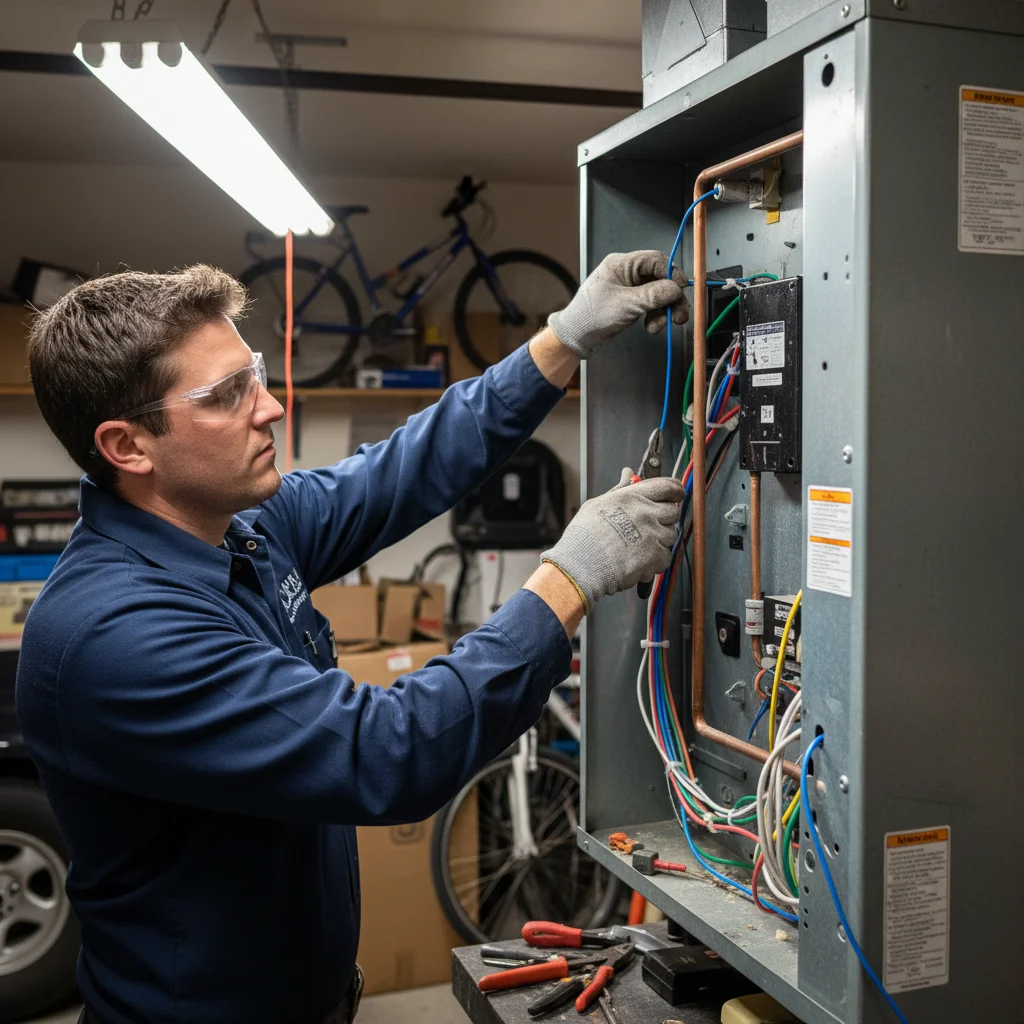
When your smart thermostat needs a C-wire and you don’t have one, you essentially have two main solutions: using an add-a-wire adapter or running a new, dedicated C-wire. Each has its pros and cons, and the best choice often depends on your specific home, HVAC system, and long-term goals.
Add-a-wire adapters, like the Nest Power Connector or the Ecobee Power Extender Kit (PEK), are designed to be a simpler, less intrusive solution. They typically install at your furnace or air handler, manipulating your existing wiring (often 2-4 wires) to create the necessary common connection for your thermostat. The main advantage here is that you usually don’t need to run a new wire through your walls, which can be a complex task, especially in finished homes. These adapters can work well for many homeowners, providing the necessary power for basic smart thermostat functions. However, they can sometimes complicate troubleshooting if issues arise, as they introduce an extra component into your HVAC wiring. In some cases, especially with older or more sensitive HVAC systems, they may not entirely eliminate all power-stealing side effects like short cycling.
Running a real C-wire, a dedicated 18-gauge thermostat wire from your HVAC unit directly to your thermostat, is almost always the superior, long-term solution. While it requires more effort and potentially opening up walls or accessing attic/crawl spaces, it provides a direct and unambiguous power path. This method offers unparalleled reliability, a cleaner installation, and future-proofs your wiring for any smart home upgrades down the line. If you’re considering a more comprehensive smart home wiring project, adding a C-wire is often a foundational step. A professional electrician can expertly route this new wire, ensuring it’s done safely, cleanly, and to code, giving you peace of mind that your smart thermostat will always have the power it needs. For San Diego homes, where homeowners often invest in smart technology for efficiency, a dedicated C-wire ensures maximum performance.
Cost to run a C-wire from the air handler
The cost to run a C-wire from your air handler or furnace to your thermostat can vary significantly based on several factors unique to your San Diego home. There isn’t a single flat fee, as each installation presents its own challenges. However, viewing it as an investment in the reliability and longevity of your smart home system is important.
Key factors that influence the cost include:
- Distance: The longer the run between your HVAC unit and your thermostat, the more wire and labor hours are generally involved.
- Accessibility: This is often the biggest cost driver. Is the wiring path easily accessible through an unfinished attic or crawl space? Or does it require navigating through finished walls, which might involve cutting drywall, fishing wires, and then patching? Older San Diego homes, in particular, can have more complex wall structures.
- Type of Construction: The materials and design of your home’s walls (e.g., plaster and lath, drywall over concrete block) can impact the difficulty and time required for wire fishing.
- Age of HVAC System: Sometimes, older HVAC units might require minor modifications or new terminals to accommodate the C-wire connection safely, adding to the labor.
- Electrician’s Expertise: A licensed electrician ensures the work is done safely and correctly, meeting all local San Diego electrical codes. This expertise costs more than a DIY attempt, but it prevents costly errors and potential damage to your HVAC system or home.
We can’t give you a number without seeing your setup, and we don’t set the price. The electrician we match you with quotes the job after assessing it. Bright Pro Electric does not run the C-wire.
Why some 1970s San Diego homes need a full thermostat circuit
Homes built in the 1970s and earlier, common in many established San Diego neighborhoods, often present unique challenges for smart thermostat installations. While a missing C-wire is a frequent culprit, some of these older properties might require more than just running a single new wire; they could need an entirely new low-voltage thermostat circuit.
Why the added complexity? In the 1970s, HVAC systems were much simpler. Many homes might have only had heating, with cooling added as an afterthought or much later. The thermostat wiring typically consisted of just two or three wires: one for power (R), and one for heat (W), with a possible third for the fan (G). These minimal setups were designed purely for basic on/off signaling and weren’t built with the constant power demands of today’s smart devices in mind. The existing wires might be brittle, undersized, or simply lack the capacity to add a new conductor without compromising system integrity.
Similar to how older homes might lack a neutral wire for smart switches, the C-wire is another missing link. If your home has a two or three-wire system, simply adding a C-wire might not be sufficient if the other existing wires are at capacity or too old to be reliable. In these situations, an electrician might recommend pulling a brand-new thermostat cable bundle, typically an 18/5 or 18/7 gauge wire. This new cable would include wires for R, W, Y, G, and a dedicated C-wire, along with spares for future upgrades. This approach ensures a reliable, lasting connection for your smart thermostat, eliminating potential conflicts or intermittent issues that can arise from trying to “shoehorn” a C-wire into an outdated system. While smart home wiring during a remodel often includes pre-running neutrals and C-wire paths, older homes require a more tailored approach to bring them up to modern standards. If you’re just getting started with a smart home build, see what an electrician should do first before you buy any devices.
Frequently asked questions
How do I know if my San Diego home has a C-wire for a smart thermostat?
A licensed electrician isolates HVAC power per the equipment manuals, then looks at the wall-plate terminals. A conductor on C is one category. An unused conductor in the cable is another. No extra conductor means a new run or an adapter listed for that equipment. Do not pull the bundle out to test it from this page.
Will a Nest thermostat work without a C-wire in San Diego?
Sometimes, but not reliably. Nest’s “power stealing” mode draws a trickle from the R and W or Y wires to charge its internal battery. In some San Diego HVAC systems this works fine; in others it causes short cycling (the system turns on and off rapidly), battery drain warnings, and Wi-Fi dropouts. Google now includes the Nest Power Connector as a workaround, but running a true C-wire is still the more dependable fix.
Is installing a C-wire something I can do myself?
The thermostat end is low-voltage (18 gauge, 24V), but this page does not walk a homeowner through routing or landing it. Routing between the thermostat location and the air handler often means finished walls, attics, or tight closet chases. Match a licensed electrician when the path is not already open.
What if my 1970s San Diego home only has two thermostat wires?
Two-wire systems (R and W only) can’t simply have a C-wire added, there’s no spare conductor in the existing cable. The correct fix is pulling a new 18/5 thermostat cable from the furnace or air handler all the way to the thermostat location, giving you fresh wires for R, W, Y, G, and C. This is a common project in older San Diego neighborhoods and typically takes an electrician a couple of hours.
When to call us
Trying to tackle a C-wire installation yourself can quickly become complicated, especially when dealing with your home’s vital HVAC and electrical systems. Miswiring can damage your smart thermostat, your furnace, or even pose a safety hazard. If you’re unsure about your wiring, can’t find a C-wire, or your smart thermostat isn’t working correctly after installation, it’s time to call in the professionals. The electricians in our network have the tools, knowledge, and experience to safely and efficiently install or extend a C-wire in your San Diego home, ensuring your smart thermostat operates flawlessly. Always ensure any electrician you hire is licensed and insured, which you can verify through the California Contractors State License Board (CSLB).
Get in touch and we’ll connect you with a vetted local electrician. Bright Pro Electric does not extend C-wire or install the thermostat.