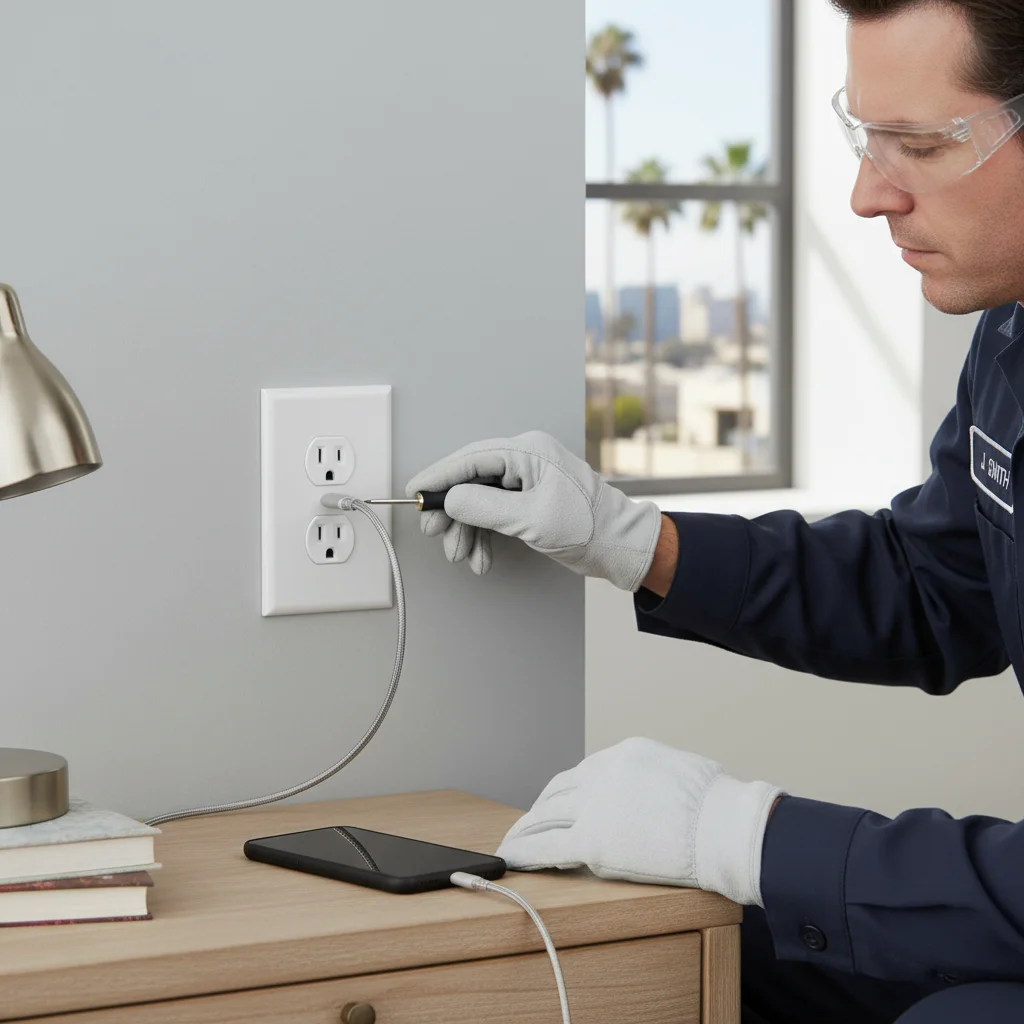
That messy tangle of charging bricks and power strips by your bed or on your kitchen counter is a familiar sight in many San Diego homes. Every new phone, tablet, and accessory seems to come with its own adapter, creating clutter and hogging outlets. A wall outlet with built-in USB-C Power Delivery can cut that clutter when the port rating matches the device.
TL;DR
- Only install USB-C outlets with Power Delivery (PD), USB-A-only outlets are already obsolete and won’t fast-charge any modern phone or laptop.
- Best locations: bedside, kitchen counter, and home office desk, skip exterior walls, garages, and dedicated appliance spots.
- Device cost runs $30-$60 for quality brands (Leviton, Legrand); professional installation in San Diego typically costs $150-$250 per outlet for a swap.
- USB outlets are bulkier than standard receptacles and may not fit older, shallow electrical boxes, worth checking before you buy.
- Don’t buy no-name brands; look for UL or ETL certification on the device itself.
The short answer is yes, but only if you choose the right kind. A modern USB-C outlet can future-proof your home, simplify your life, and deliver faster charging than ever before. Let’s break down how they work and what to look for.
How USB wall outlets actually work
A USB wall outlet, or USB receptacle, looks simple on the outside, but it’s a sophisticated piece of technology packed into a small space. It’s not just a standard electrical outlet with a couple of holes punched in it. Inside that plastic housing is a miniature power supply.
This internal component is called a transformer and AC/DC converter. It takes the 120-volt alternating current (AC) that powers your home and safely converts it into the low-voltage direct current (DC) that your electronic devices need to charge. This is the exact same job done by the bulky power adapter that came with your phone or tablet. By building this technology directly into the wall, you eliminate the need for the external brick.
Quality USB outlets have critical safety features built in. They include overcurrent protection, which prevents the outlet from sending too much power to your device, and thermal protection to shut down if it gets too hot. This is a key reason why choosing a reputable brand is so important. The internal electronics are what distinguish a safe, reliable charger from a cheap fire hazard. Because it’s an active electronic device, a USB outlet is much more complex than a standard $3 receptacle, which is just a set of passive metal contacts.
USB-A vs. USB-C vs. PD: what to pick in 2026
This is the most important decision you’ll make when choosing a USB outlet. The type of port determines charging speed and which devices are compatible. In 2026, the choice is clear.
USB-A: The obsolete option
USB-A is the classic, rectangular port you’ve known for decades. While familiar, it’s dated technology. It typically delivers power at 5 volts and a maximum of 2.4 amps, giving you about 12 watts of power. This is slow-charging by today’s standards. Installing a USB-A-only outlet in 2026 is like buying a new car with a cassette player. It might work for an old Kindle or a pair of headphones, but it won’t fast-charge any modern smartphone and is a poor long-term investment.
USB-C: The new standard connector
USB-C is the small, oval, reversible connector that has become the universal standard for new electronics, from iPhones and Androids to laptops and tablets. The connector itself is a huge improvement, but the real magic is in the technology it supports: Power Delivery.
Power Delivery (PD): The only feature that matters
Power Delivery, or PD, is a smart charging protocol that works over a USB-C connection. It allows your device and the outlet to communicate, negotiating the fastest and safest charging speed possible. Instead of being locked into 5 volts, a PD outlet can provide a range of voltages (like 9V, 15V, or 20V) to deliver much more power.
A standard USB-C port might only provide 15 watts. A USB-C port with Power Delivery can provide 30W, 45W, 60W, or even up to 100W. This is the difference between charging your phone in three hours versus getting to 50% in 30 minutes. It’s also what allows a wall outlet to charge a MacBook Air or Dell XPS laptop directly, no brick required.
If the goal is useful charging in 2026, look for at least one USB-C port with Power Delivery at 30W or more. USB-A-only devices will not fast-charge a current phone or laptop.
Where they make sense (bedside, kitchen, office)
Strategic placement is key to getting the most value from a USB outlet upgrade. You don’t need one in every room. Focus on the high-traffic areas where you and your family charge devices most often.
By the bedside
This is the number one location for a USB wall outlet. It’s the perfect spot to create a clean, dedicated charging station for your phone, smartwatch, and e-reader. Installing a combination receptacle, one with two USB-C PD ports and two standard 120V outlets, means you can still plug in a lamp and an alarm clock while fast-charging your essential devices overnight. No more fumbling for a power strip in the dark.
In the kitchen
The kitchen counter is often the “drop zone” for the whole family. It’s where mail, keys, and phones pile up. A USB-C outlet here provides a convenient spot to top off a phone while cooking, looking up a recipe on a tablet, or for guests to use when they visit. It keeps your counters clear and power accessible right where you need it. Consider placing one near the end of an island or along a backsplash.
The home office or desk area
For anyone working from home in San Diego, a powerful USB-C PD outlet is a game-changer. A 60W or 100W model can power and charge many modern laptops, including MacBook Airs and some Dell or HP models. This allows you to ditch the cumbersome laptop power brick, freeing up space on your desk and in your travel bag. It creates a streamlined, single-cable setup for a cleaner and more productive workspace.
Where they don’t (high-draw devices, exterior)
USB outlets are not the right fit in every room. Skip these spots.
For high-draw appliances
The USB ports are for low-voltage electronics only. Never try to power appliances like a space heater, toaster, blender, or vacuum cleaner through them. These devices require the full power of a 15-amp or 20-amp 120V circuit and must be plugged into the standard receptacles. Placing a USB outlet in a spot dedicated to a major appliance, like behind a refrigerator, is a waste of its functionality.
Exterior walls
Standard USB outlets are designed for indoor, dry locations only. They are not weather-resistant and installing one outside is a serious safety hazard and a code violation. Moisture can short out the sensitive electronics, creating a risk of shock or fire. For outdoor power needs, you must use a proper GFCI-protected outlet with a weatherproof “in-use” cover. Outdoor USB receptacles are not a substitute for a listed weather-resistant GFCI with an in-use cover.
Garages and workshops
While you could install a USB outlet in a garage, it’s often not the most practical choice. These spaces typically prioritize rugged, GFCI-protected outlets for power tools, shop lights, and battery chargers. A heavy-duty power strip is often a more flexible, cheaper way to charge phones next to shop tools.
Cost to install in a San Diego home
The cost of upgrading to a USB outlet has two parts: the device itself and the professional labor to install it.
First, the materials. A standard decorator-style outlet costs about $3. A high-quality, UL-listed USB-C outlet with Power Delivery from a reputable brand like Leviton or Legrand costs between $30 and $60. The price difference reflects the complex electronics inside. Skip unlisted no-name devices to save $20. Look for a UL or ETL mark on the device itself.
Second, the labor. The cost for a single outlet replacement in San Diego County usually falls between $150 to $250. That figure is labor at an existing box, not the $30 to $60 listed device and not a guaranteed clock time. Older or shallow boxes, aluminum conductors, missing grounds, or a full box can turn a swap into a box replacement. A new outlet location means new cable and a new box. See cost of adding an outlet in San Diego. Several outlets on one visit can lower the per-device labor share, but the site conditions still set the visit length.
Brands worth buying and ones to skip
Not all USB outlets are created equal. Since this device is permanently wired into your home, choosing a safe, reliable brand is crucial.
Brands to buy
- Leviton: The Decora line includes listed USB-C Power Delivery receptacles such as the 60W T5636. Check the wattage printed on the device against the chargers you actually use.
- Legrand: The Radiant line includes listed USB-C receptacles in matching faceplate colors. Confirm USB-C PD on the spec sheet, not USB-A only.
- Lutron: Sold mainly as lighting controls. Matching listed receptacles exist if you already have Lutron wall plates and want the same profile.
Brands to skip
Be very cautious of generic, no-name brands sold on Amazon or other online marketplaces. Look for these red flags: an unusually low price, a lack of a UL or ETL certification mark on the device itself, and flimsy construction. These products often cut corners on internal components, using undersized transformers and skipping essential safety features. This can lead to slow charging, overheating, and in the worst cases, a house fire.
All professional outlet and switch installation should be performed by a licensed electrician who uses certified parts. If you’re interested in adding app or voice control, you might also consider a smart outlet installation, which offers another layer of convenience.
Frequently asked questions
Are USB wall outlets worth installing in a San Diego home in 2026?
Yes, if you buy the right type. A USB-C outlet with Power Delivery (30W or higher) at your bedside or kitchen counter eliminates the need for charging bricks and frees up your standard receptacles. The investment is modest, $30-$60 for the device plus labor, and the daily convenience is real. The caveat is to skip USB-A-only models; they’re slow by current standards and won’t charge modern phones or laptops at useful speeds.
What’s the difference between a USB-C outlet and a standard outlet?
A USB-C outlet (or combination receptacle) has both standard 120V receptacles and built-in USB-C ports. Inside the outlet is an AC-to-DC converter that takes the 120V from your home’s wiring and steps it down to the 5V, 9V, or 20V DC your devices need. The standard receptacle portions work exactly like a normal outlet. The USB-C ports provide direct charging without any external adapter.
How much does it cost to install a USB outlet in San Diego?
For a like-for-like swap of an existing outlet, published labor on this page is $150-$250 in San Diego. A listed USB-C device from a quality brand like Leviton or Legrand is $30-$60 if billed separately. Ask the electrician whether the written quote bundles the device or lists it apart. A new location (new cable, new box) costs more.
Can I install a USB outlet myself in San Diego?
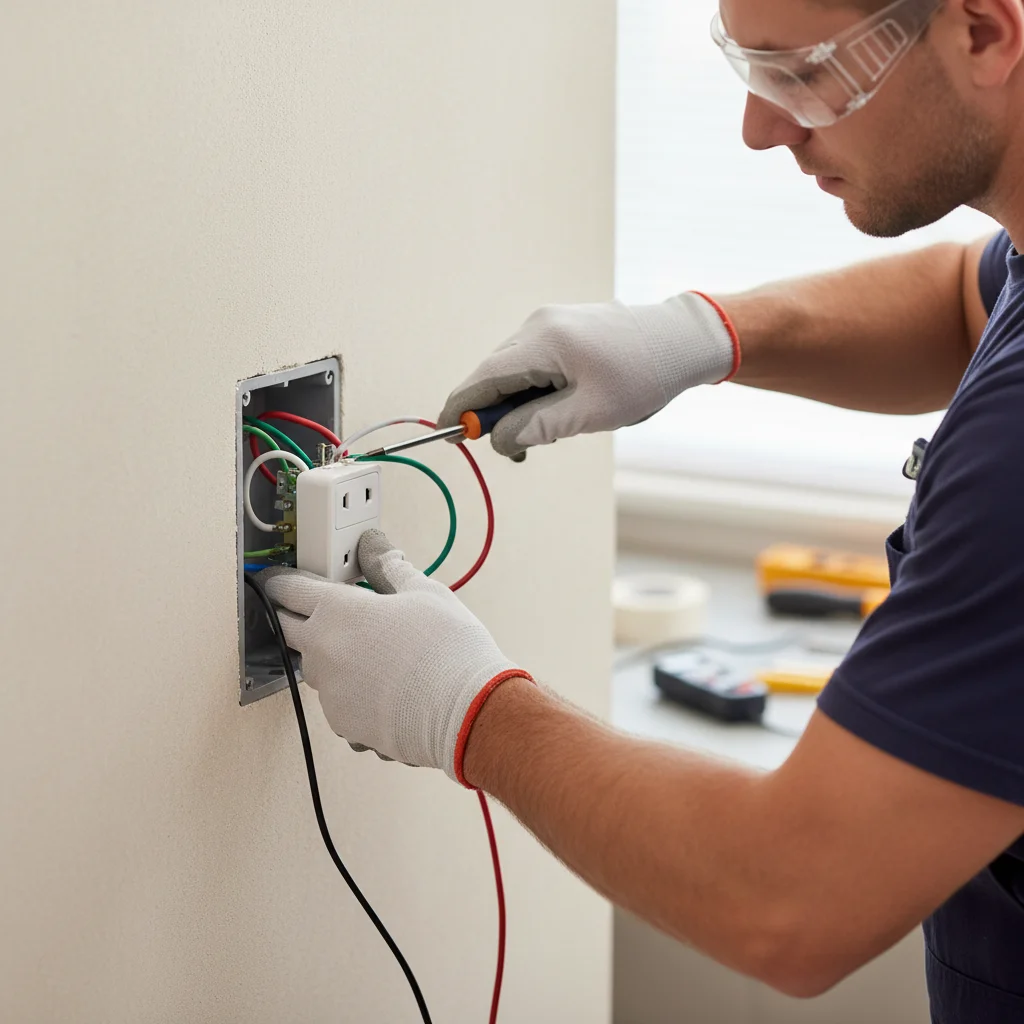
Technically a homeowner can replace an existing outlet in California, but USB outlets are meaningfully bulkier than standard receptacles, and older San Diego homes often have shallow electrical boxes that won’t fit them without replacement. If the existing wiring shows aluminum conductors, damage, or only two wires (no ground), call a licensed electrician. A bad connection in a USB outlet is a fire risk, the built-in electronics generate more heat than a standard passive receptacle.
When to call us
USB receptacles are bulkier than a passive outlet. Confirm box volume, conductor type, and listing before you buy. A licensed electrician can check fit and connections.
Bright Pro Electric matches homeowners with independent licensed electricians. We do not install the devices. Use contact and we will connect you with a licensed local electrician. Leave a message any time.