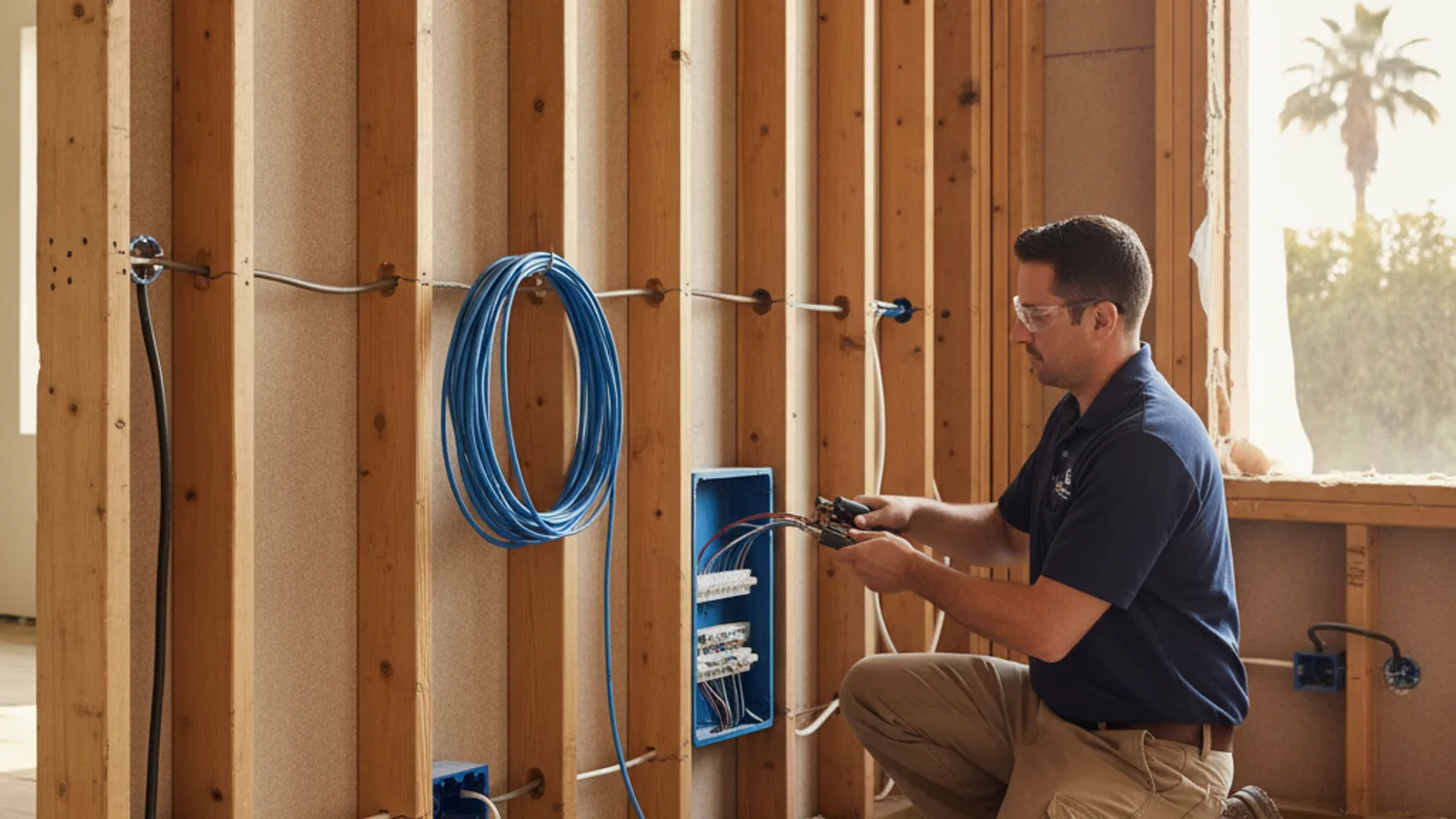
If your remodel has the walls open, this is the one window to get your coax and Ethernet outlets right. Fishing either one through a finished wall later means cutting drywall to do what a few extra feet of cable would have handled during rough-in.
Start with how each room will use a wired connection
The question isn’t “coax or Ethernet” in the abstract, it’s what each room actually needs. A living room with a TV, a streaming box, and maybe a soundbar has different requirements than a home office with a desktop, a desk phone, or a second monitor. A bedroom that’s mostly a laptop-on-Wi-Fi space might not need either wired outlet at all, while a media closet or garage that’s going to host your router, modem, and network switch needs the most wiring of any room in the house, even though nobody will ever plug a TV into it.
Walk the house room by room and ask what’s going in that spot: a television, a desk, a wireless access point, a security camera, a game console. Rooms with fixed screens and rooms where someone will sit and work benefit most from a wired jack. Rooms that are purely pass-through space usually don’t need either.
It helps to think in terms of how many wired devices will realistically sit in that spot at once, not just one. A media wall with a TV, a streaming box, and a soundbar with a wired connection might want two or three jacks side by side rather than a single outlet that forces you to unplug one device to use another. A single jack is fine for a bedroom nightstand or a hallway thermostat. A home office or a media closet almost never is.
Where coax still serves a practical purpose
Coax hasn’t disappeared just because streaming has grown. If you still have cable or satellite TV service, or you might in the future, a coax outlet at the TV location keeps that option open without an add-on later. Some internet providers in San Diego also deliver service over the same coax line coming into the house, which matters if you’re not sure which provider you’ll end up with at this address long-term. A coax outlet is also occasionally used to distribute an over-the-air antenna signal to multiple rooms.
Where coax stops being useful is as a substitute for a data connection. A coax line alone won’t get you a wired network jack at that outlet, it only carries the video or internet-in-hand-off signal, not a local Ethernet connection, unless there’s a separate device converting one to the other. Don’t run coax to a room and assume it covers the “wired internet” need for that space too.
That said, coax is cheap to run compared to what it costs to add later, so most remodels are better off adding it to a handful of likely TV locations even if you’re not fully sure you’ll use it. The incremental cost of one more cable run while the wall is already open is small. Cutting drywall to add a single coax line two years from now is not.
When Ethernet changes the wiring plan
Ethernet matters most anywhere a device benefits from a stable, high-bandwidth connection that doesn’t compete with the rest of the house’s Wi-Fi traffic: a desktop computer, a network-attached storage device, a smart TV that streams heavily, a game console, or a wireless access point mounted on the ceiling to extend Wi-Fi coverage into a far corner of the house. Running Ethernet to access point locations, not just to desks and TVs, is one of the more overlooked decisions, because a hardwired access point performs far better than one relying on Wi-Fi to relay its own signal.
If you’re set on wired Ethernet in multiple rooms, decide that now, because it changes how many cable runs need to leave the wiring closet and how big that closet or panel needs to be.
A lot of San Diego homes built before wired networking was common only ever got a single coax run to one living room outlet, with nothing else in the walls to support a home network. If your remodel is opening up walls in a home like that, this is the only practical chance you’ll get to add Ethernet without exposed cable runs along baseboards afterward. Even rooms you don’t think you need it in now are worth a home-run cable if the wall is already open, since the cost difference between running the cable today and not running it is small, while the cost of adding it after drywall closes again is not.
How a central wiring location affects future changes
Every coax and Ethernet run in the house should land in one central spot, whether that’s a structured media panel, a closet, or a section of the garage. That’s where the cable or fiber connection comes in, where your router and network switch live, and where you can patch, troubleshoot, or reconfigure connections without opening a wall again. A remodel that skips a central location and instead runs cables directly between rooms in whatever path is shortest saves a little now and costs flexibility for years, because there’s no single point to manage or upgrade the network from later.
Think about this closet’s location the same way you’d think about a panel location: accessible, not buried behind finished built-ins, and close enough to where power is available for the equipment that will live there.
Label every run as it’s installed, at both ends, before drywall closes. A bundle of unlabeled cables behind a wall plate is nearly useless the first time something needs troubleshooting, because there’s no way to tell which cable goes where without pulling on each one and hoping. A simple numbered or room-named label at install time costs almost nothing and saves real time on every future service call.
What to decide before drywall closes
Before the walls close up, settle on which rooms get a coax outlet, which get an Ethernet jack, which get both, and where the central wiring location will be. Decide this at the same time you’re finalizing outlet and switch locations with your electrician, not as an afterthought once the rough-in inspection is already scheduled. Our smart home wiring during a remodel guide covers the broader rough-in checklist, including neutral wires and panel capacity, that this decision fits into. If you’re earlier in the process and haven’t settled on a wiring plan at all yet, starting a smart home is a good place to work backward from what devices you actually want to run.
Matched independent electricians and low-voltage pros handle this scope under smart home wiring, but the decision of which rooms get what is easiest to make with the walls open in front of you, not from memory a week later.
When to call us
Deciding what to wire is one thing, running coax and Ethernet correctly, and coordinating it with your electrical rough-in, is licensed low-voltage and electrical work. Call us at contact form and we’ll connect you with a licensed local electrician.