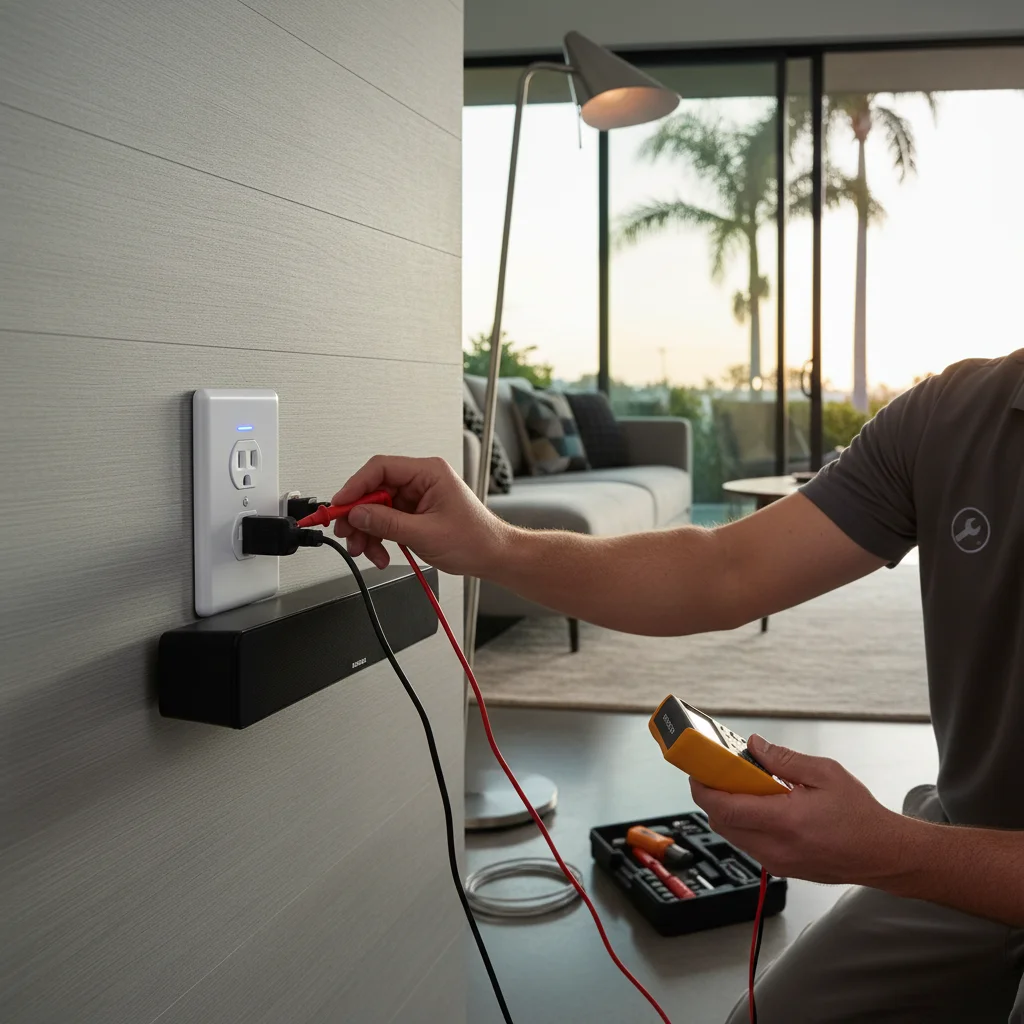
You’ve decided you want smart outlets. Now you’re staring at a product page with words like Matter, Thread, Zigbee, and Z-Wave, and none of them are making the decision easier. This guide cuts through it: specific brands, honest trade-offs, and a clear answer on when you need an electrician versus when you don’t.
TL;DR
- Keep the use-case split: plug-in adapters ($15-$40) vs in-wall receptacles ($20-$60 device plus $75-$150 labor). Treat those labor figures as a published range on this page.
- Protocol and product choices are current listings (Matter, Wi-Fi, Thread). 2026 “buy Matter” is guidance, not a mandate.
- Older San Diego homes (pre-1990) may have shallow boxes or missing neutrals. Assess before you buy hardware.
- Like-for-like receptacle swaps may be permit-exempt in the City of San Diego when they are the same size and type. Confirm the exact scope and address with Development Services. New circuits or relocations typically need a permit. This page is not a statewide exemption.
What a smart outlet actually does (and doesn’t do)
A smart outlet gives you remote control over anything plugged into it. You can turn it on or off from your phone, set a schedule, or tie it to a voice assistant. Some models also track energy usage, which is genuinely useful if you’re trying to understand what’s driving your SDG&E bill each month.
What it doesn’t do: make a dumb appliance smart. A standard lamp becomes a lamp you can switch remotely. That’s it. The lamp still doesn’t know what color you want or how dim you prefer it at 9 p.m. If you want that level of control, you need a smart bulb or a smart fixture, not a smart outlet.
Smart outlets also don’t protect against overloads beyond what your existing circuit breaker already handles. If you’re running a space heater, a mini-fridge, and a gaming PC off one receptacle, a smart outlet won’t save you from a tripped breaker. That’s a circuit capacity problem, one worth solving at the panel, not at the plug.
One more thing: smart outlets don’t require you to rewire anything if you’re using a plug-in adapter. But in-wall receptacles absolutely do involve your home’s wiring. That distinction matters a lot when it comes to cost and who should do the work.
In-wall smart receptacles vs. plug-in adapters
The plug-in adapter (sometimes called a smart plug) is the path of least resistance. You plug it into any standard outlet, and your outlet is now “smart.” Kasa makes a solid one. The EP25 supports Matter and energy monitoring for around $15. It works. It’s easy. The downside is bulk: most smart plugs block the second receptacle, and they look like an afterthought.
In-wall smart receptacles replace the outlet itself. They sit flush, they look intentional, and they leave both plug positions available. Leviton’s Decora Smart line is the benchmark here. The DW15S is a single smart receptacle with the bottom outlet always-on and the top outlet controlled, ideal for a nightstand lamp or a TV cabinet. Lutron’s Caseta ecosystem doesn’t have a dedicated in-wall receptacle, but if you’re already invested in Caseta switches, plug-in Pico accessories fill the gap.
Eve makes a well-regarded plug-in smart outlet that’s worth calling out specifically. It’s Thread-native, works natively with Apple Home without a hub, and the build quality is noticeably better than most Wi-Fi plugs at the same price point. If you’re in an Apple ecosystem household, Eve is a serious option.
The practical answer: use plug-in adapters for lamps, phone chargers, and seasonal items. Use in-wall receptacles for anything permanent (entertainment centers, kitchen counters, home office desks) where looks and function both matter.
Matter, Thread, Zigbee, and Wi-Fi: which protocol to pick in 2026
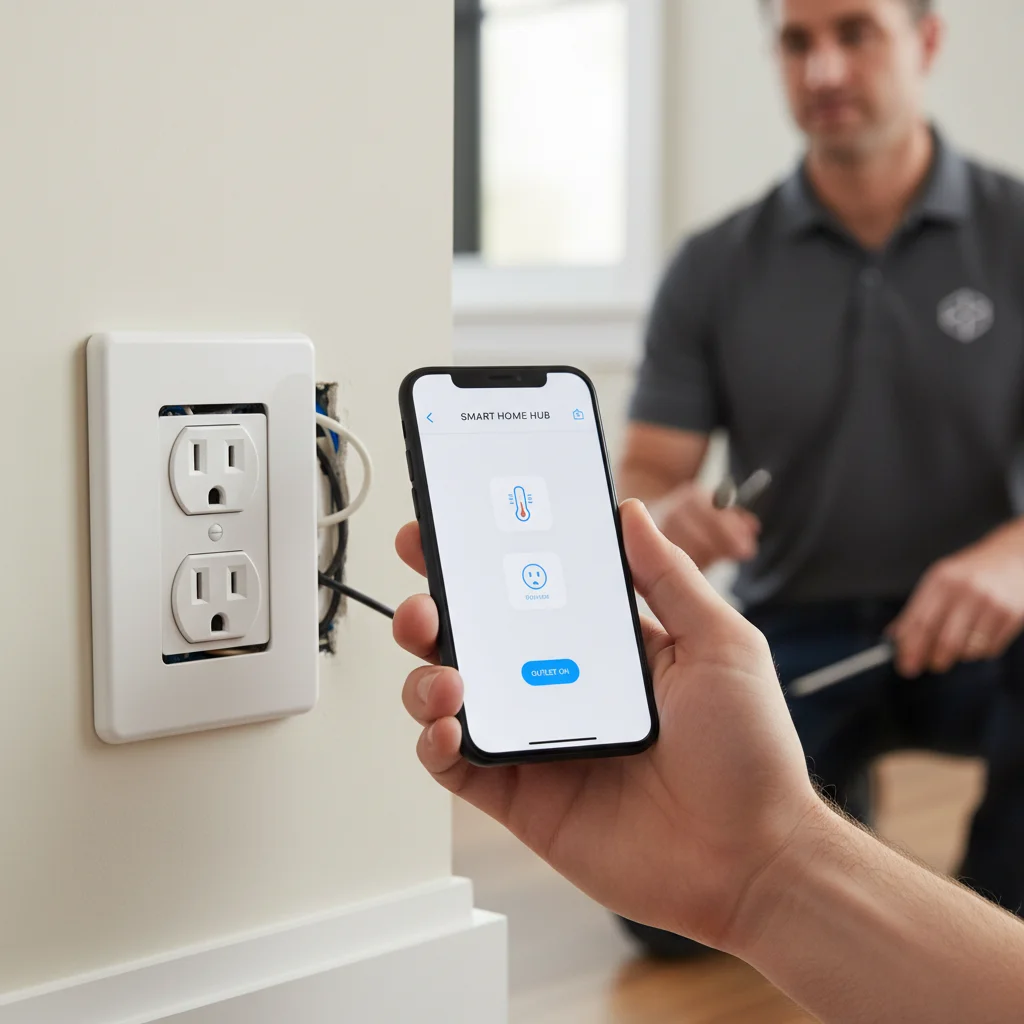
This is where most buyers get stuck. Here’s the honest breakdown.
Wi-Fi is everywhere and requires no hub. It’s also the most likely to slow down a crowded 2.4 GHz network, and if your router changes or your internet goes out, your devices stop responding locally. Fine for a starter setup. Not great at scale.
Zigbee is reliable and low-power, but it requires a hub (SmartThings, Hubitat, or similar). If you already have that infrastructure, Zigbee devices are affordable and mature. If you don’t, you’re adding complexity.
Matter is the cross-platform standard backed by Apple, Google, Amazon, and Samsung. It launched in 2022 and has matured meaningfully. In 2026, Matter-certified devices are a common recommendation when you want to stay out of one ecosystem. Firmware support length is a manufacturer claim. This page does not publish a resale-value effect.
Thread is the network layer that Matter often runs on. It’s a mesh protocol. Every Thread device extends the network. Eve devices use Thread. Apple HomePod mini and Apple TV 4K act as Thread border routers. If your home runs Apple Home, Thread-based Matter devices are faster and more reliable than Wi-Fi equivalents. This is a meaningful advantage in San Diego’s denser neighborhoods where Wi-Fi congestion is real.
Our opinion: Matter over Wi-Fi is fine for most homes. Matter over Thread is better, especially in larger homes or multi-story builds common in areas like Rancho Bernardo or Scripps Ranch. Avoid single-ecosystem Zigbee setups unless you’re already committed to a hub.
Where smart outlets make sense in a San Diego home
San Diego’s climate means less HVAC cycling than most of the country, but that also means the devices you do run (pool pumps, landscape lighting timers, outdoor refrigerators, patio heaters during June gloom) run a long time. Smart outlets shine in these spots.
Garage and outdoor areas. Putting a smart outlet on a garage freezer lets you verify it’s actually running after a power flicker, relevant given PSPS events in east county. Outdoor outlets paired with smart plugs simplify landscape accent lighting without a dedicated smart lighting system. Licensed electricians often include smart outlet integration on outdoor and landscape lighting jobs for exactly this reason. Bright Pro Electric does not perform that outdoor work.
Home offices. A single smart outlet behind a monitor riser can cut standby power from a full desk setup (monitors, speakers, USB hubs) with one tap. Energy monitoring outlets from Kasa show you the real numbers. Standby draw on a desk that looks “off” is worth measuring rather than guessing.
Kitchen counters. Coffee makers, toasters, and small appliances are perfect candidates. An in-wall Leviton smart receptacle on a kitchen counter gives you scheduled brewing without a Wi-Fi coffee maker. It also lets you remotely verify the iron is off, which is a real use case, not a gimmick.
Bedside and living room. Lamp control is the classic use case. Still valid. Pair with a voice assistant or a routine that dims the lamp at 10 p.m. and you’ve replaced a smart bulb subscription with a $25 outlet.
Installation cost and when you need an electrician
Plug-in smart adapters require zero installation. You’re paying for the device only: $15 to $40 depending on brand and features.
In-wall smart receptacles are a different story. The device itself runs $20 to $60 for a quality unit. Labor for outlet and switch installation in San Diego typically runs $75 to $150 per outlet depending on accessibility, box depth, and whether the existing wiring needs to be extended or replaced.
Most in-wall smart receptacles require a neutral wire at the box. Older San Diego homes, anything built decades ago, sometimes have switch loops without neutrals. That’s well-documented in our smart switch no-neutral wire guide, and the same constraint applies here. If your outlet box has only two wires and no bare ground, call before you buy the device.
Some smart receptacles also need a larger box than what’s currently in your wall. A retrofit metal box swap is straightforward for a licensed electrician and often overlooked by homeowners who bought the device first.
Confirm permit rules with the jurisdiction. In the City of San Diego, minor replacement of a receptacle of the same size and general type can be exempt from an electrical permit when it matches what the municipal code currently allows. That is not a statewide DIY list, and it does not authorize violating electrical law. Any new circuit, box relocation, or wiring extension typically needs a permit under the electrical code as adopted by California. When in doubt, ask the licensed electrician and the building department before the work starts.
Five mistakes that lead to returns
Buying without checking the protocol. A Zigbee outlet doesn’t work on its own. A Wi-Fi outlet that requires a proprietary app may be abandoned in two years.
Ignoring box depth. In-wall smart receptacles are deeper than standard ones. Shallow boxes in older construction won’t fit them without a retrofit.
Skipping the neutral wire check. Pull the cover plate and look before you buy. Two wires means you may have a problem. Four wires (black, white, ground, sometimes red) means you’re likely fine.
Buying no-name brands. The $8 Wi-Fi outlet from an unfamiliar brand works until it doesn’t, and when it fails, it often fails insecurely. Stick with Kasa, Leviton, Eve, or Lutron. These companies have actual support lines and firmware update histories.
Mixing ecosystems without a plan. Three Kasa outlets, two Eve plugs, and a Zigbee strip behind the TV will work individually and be a headache to automate together. Pick one primary ecosystem and stay in it. Matter helps, but it doesn’t fully solve a fragmented setup.
Frequently asked questions
Do I need an electrician to install a smart outlet in San Diego?
For plug-in smart adapters, no, just plug them in. For in-wall smart receptacles, yes: the work involves your home’s 120V wiring. Most electrical installation, alteration, or extension in California is licensed-contractor work. A same-size, same-type receptacle swap is a narrower case. Confirm the exact scope with the electrician and the jurisdiction. Older outlets in San Diego homes may also have aluminum branch circuits, shallow boxes, or missing grounds that need professional assessment.
What’s the best smart outlet protocol in 2026?
Matter is the right call for most new installs. It works with Apple Home, Google Home, and Amazon Alexa without being locked to any single ecosystem. If your home runs Apple devices and you have a HomePod mini or Apple TV 4K acting as a Thread border router, look specifically for Matter-over-Thread devices (Eve makes excellent ones) for the fastest and most reliable local control.
How do I know if my San Diego home’s outlets are compatible with in-wall smart receptacles?
Pull the cover plate and look at the box. You need a neutral wire (white), a hot (black), and a ground (bare copper or green). Older homes sometimes have only two wires and no ground, that’s worth flagging to an electrician before you buy. You also need enough box depth; in-wall smart receptacles are thicker than standard ones, and shallow old-work boxes in older construction sometimes need replacement.
Can smart outlets help lower my SDG&E bill?
They can, especially models with energy monitoring like the Kasa EP25. A real-time reading from a desk setup or a garage freezer is information. What you unplug is a household choice, not a Bright Pro result. Scheduling outlets to cut standby power overnight, monitors, entertainment systems, small appliances, is a legitimate strategy. The savings per outlet are modest, but across a whole home they add up on SDG&E’s tiered rate structure.
When to call us
In-wall smart receptacle installation is straightforward work when the wiring cooperates. When it doesn’t (wrong wire count, shallow box, aluminum branch circuits, no ground), you need a licensed electrician who can assess and fix it rather than discover the problem after the drywall is open. If you’re also considering USB-C outlets for dedicated charging stations, our USB outlet installation guide covers the brands and box-depth considerations. Our smart home wiring page covers matching for single outlet upgrades through whole-home smart device integration. There is no arrival-time or “quick look” promise.
Use contact and we’ll connect you with a vetted local electrician.